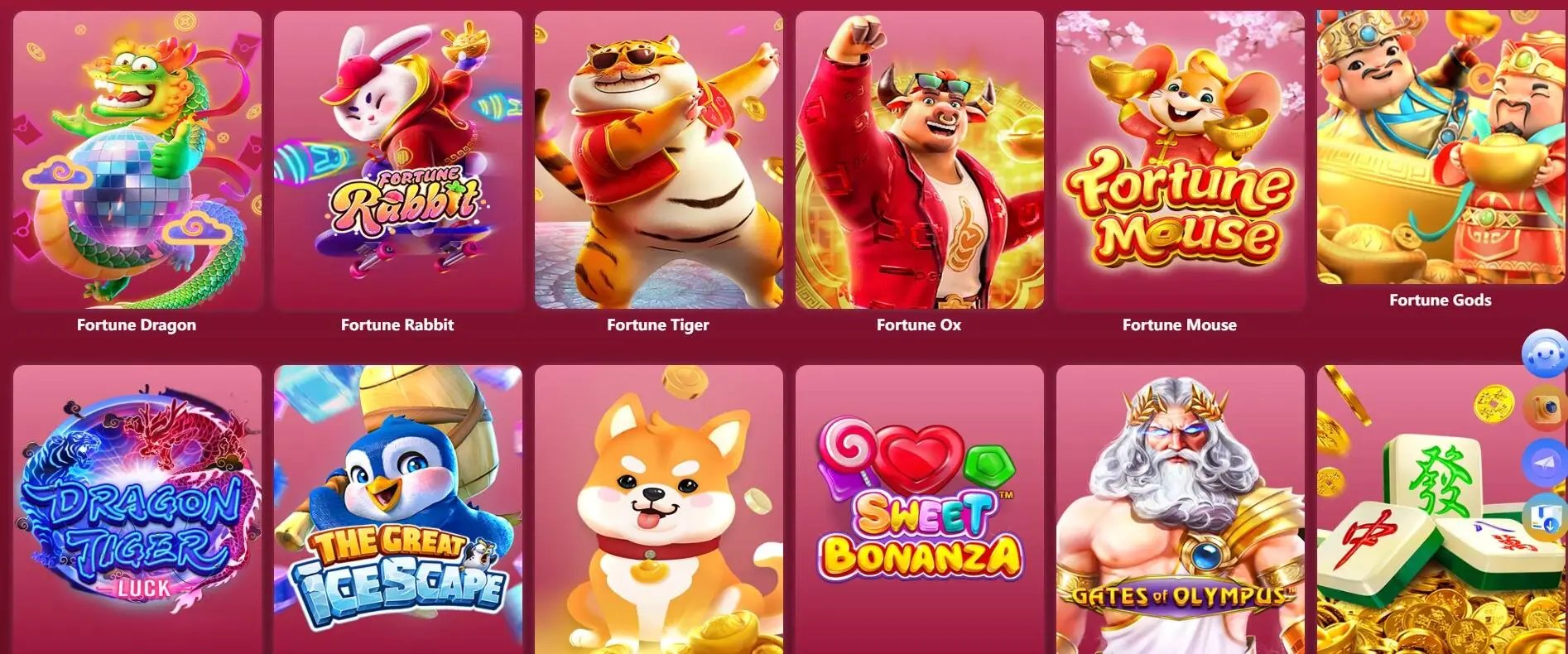
Install the vip1 app on your Android or iOS device and access the full platform — slots, live casino, eBingo, and sports betting — anytime, anywhere in the Philippines.
Both versions give you the complete vip1 experience. Choose the right one for your device and follow the setup steps below.
Download the vip1 APK directly to your Android phone or tablet. Compatible with Android 7.0 and above. Most Philippine Android devices are fully supported.
Enable "Install from unknown sources" in your device settings before installing.
Install the vip1 app on your iPhone or iPad via the App Store link. Compatible with iOS 13 and above. No additional settings needed — standard App Store installation.
You will be directed to the App Store install page for vip1.
Not sure which version you need? The vip1 platform also works directly in your mobile browser — no download required. Learn more about the vip1 app.

You can access vip1 through any mobile browser without installing anything — and that works perfectly fine. But for players who use the platform regularly, downloading the app makes a real difference in the day-to-day experience.
The most noticeable improvement is speed. The app stores key interface elements locally, which means pages and game screens load faster — something that matters a lot when you're on a mobile connection in Metro Manila rush hour or on a slower network in the provinces.
Beyond performance, the downloaded app gives you push notifications — so you know when a live eBingo session is about to start, when a PBA playoff betting market opens, or when there's a time-sensitive update on your account. With the browser version, you'd have to check the site manually to catch these.
Biometric login is another feature exclusive to the app. Instead of typing your password every session, you can use your phone's fingerprint sensor or face recognition to get in faster and more securely.
For players in Davao, Cebu, Quezon City, or anywhere else in the Philippines who are active on vip1 multiple times a week, the app makes the whole experience smoother and more convenient. It's the same account, the same balance, and the same games — just better on a dedicated app.
Check that your device meets the minimum specs before downloading.
| Operating System | Android 7.0 (Nougat) or later |
| RAM | 2 GB minimum (3 GB recommended) |
| Storage Space | At least 150 MB free |
| Internet | 3G, 4G LTE, or Wi-Fi connection |
| Install Setting | Allow "Install from unknown sources" |
| Operating System | iOS 13 or later |
| Device | iPhone 6S or newer, compatible iPad |
| Storage Space | At least 150 MB free |
| Internet | 3G, 4G LTE, or Wi-Fi connection |
| Install Method | Standard App Store installation |
Follow these steps to get the app installed on your device. The whole process takes about two to three minutes.
Go to your phone's Settings → Security or Privacy → enable "Install from Unknown Sources" or "Install Unknown Apps." This allows APK files to be installed outside the Play Store.
Tap the Android download button on this page. Your browser will download the vip1 APK file. Wait for the download to complete — check your notification bar for progress.
Open the downloaded APK file from your notification bar or Downloads folder. Tap "Install" when prompted. The installation should complete in under a minute.
Tap the vip1 icon on your home screen. Log in with your existing account or register a new one. You're ready to play.
Click the iOS download button on this page. You'll be taken to the vip1 listing on the App Store. Make sure you're signed in to your Apple ID.
Tap "Get" or the download icon on the App Store page. Confirm with Face ID, Touch ID, or your Apple ID password. The app will download and install automatically.
Installation happens automatically once the download finishes. You'll see the vip1 app icon appear on your home screen when it's done.
Open vip1 from your home screen. Sign in or create your account, deposit in PHP, and start exploring the Game Lobby.

Once the app is installed, the first thing to do is create or log in to your vip1 account. If you already have one from using the website or mobile browser, your credentials work on the app as well — nothing resets, your balance carries over, and your game history is the same.
New users can register directly in the app. The process is the same as on the website: fill in your basic details, go through OTP verification, and complete your profile. It takes just a few minutes and you'll be ready to play.
Once you're logged in, take a minute to set up biometric login if your phone supports it. This makes signing in faster and more secure for future sessions. You can find this option in the app's account security settings.
To play, you'll need to add funds to your vip1 account in Philippine Peso. The app supports deposits via local bank transfer, Philippine mobile banking, and popular e-wallets. Navigate to your account wallet section and choose the method that works for you.
From there, head to the Game Lobby and explore. You have full access to slots, live casino, eBingo, and the sports betting section. Push notifications are on by default and will let you know when live events and sessions are coming up.
All account transactions on vip1 are in Philippine Peso. Available deposit methods include:
Available methods are shown within the app at the time of deposit. Methods may vary and are subject to update.
Your VIP tier, rewards progress, and member-specific perks are all accessible through the vip1 app. Higher-tier members may also benefit from priority notifications and dedicated support access directly within the app.
VIP benefits are subject to your current membership tier. Visit the VIP page to see current tier details. Benefits do not guarantee any specific gaming outcomes.

Here are the most common questions Filipino players ask about downloading and installing the vip1 app.
The vip1 app makes gaming more convenient — but convenience also means it's easier to play more often than you intend. We encourage all players to set a budget before each session, use the in-app account tools to monitor your activity, and take regular breaks.
The vip1 platform is strictly for players aged 21 and above. Gaming outcomes are never guaranteed. If gaming is affecting your daily life or finances, please pause and seek support.